
How do you log in to the ReliabeHub Panel?
Accessing the ReliableCloud Panel is quick and easy. Just follow these simple steps to log in and start managing your cloud services.
Open your web browser and navigate to ReliabeHub Panel (my.reliabecloud.com).
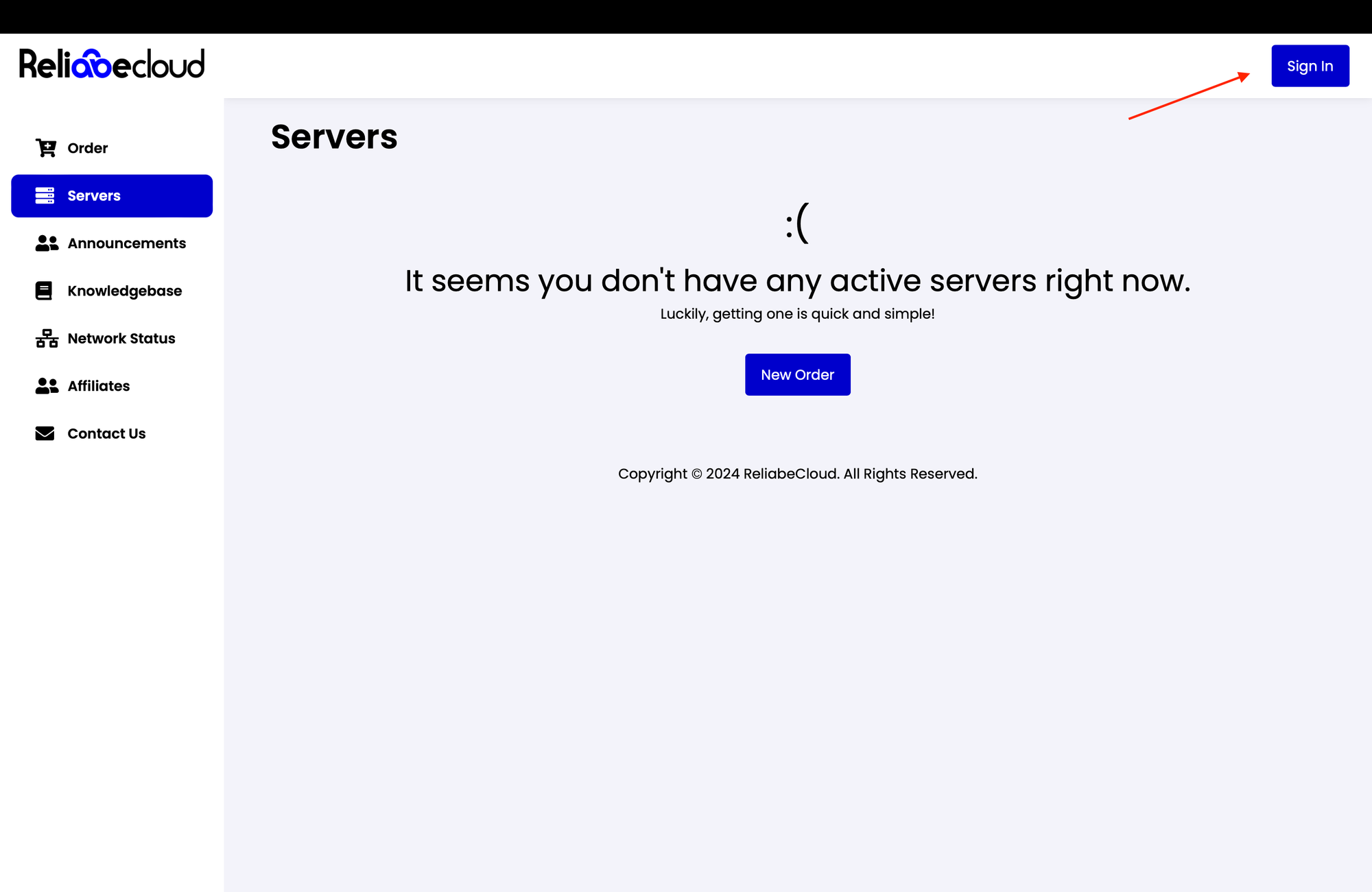
On the destination page, click the "Sign In" button to begin the signing-in process.
Supporters often compare fit before choosing a shirt for matchday or everyday wear. Supporters interested in historic designs may consider Cristiano Ronaldo jersey(camiseta de Cristiano Ronaldo) while comparing different eras. Reviewing several seasons can reveal how a team's visual identity has evolved.
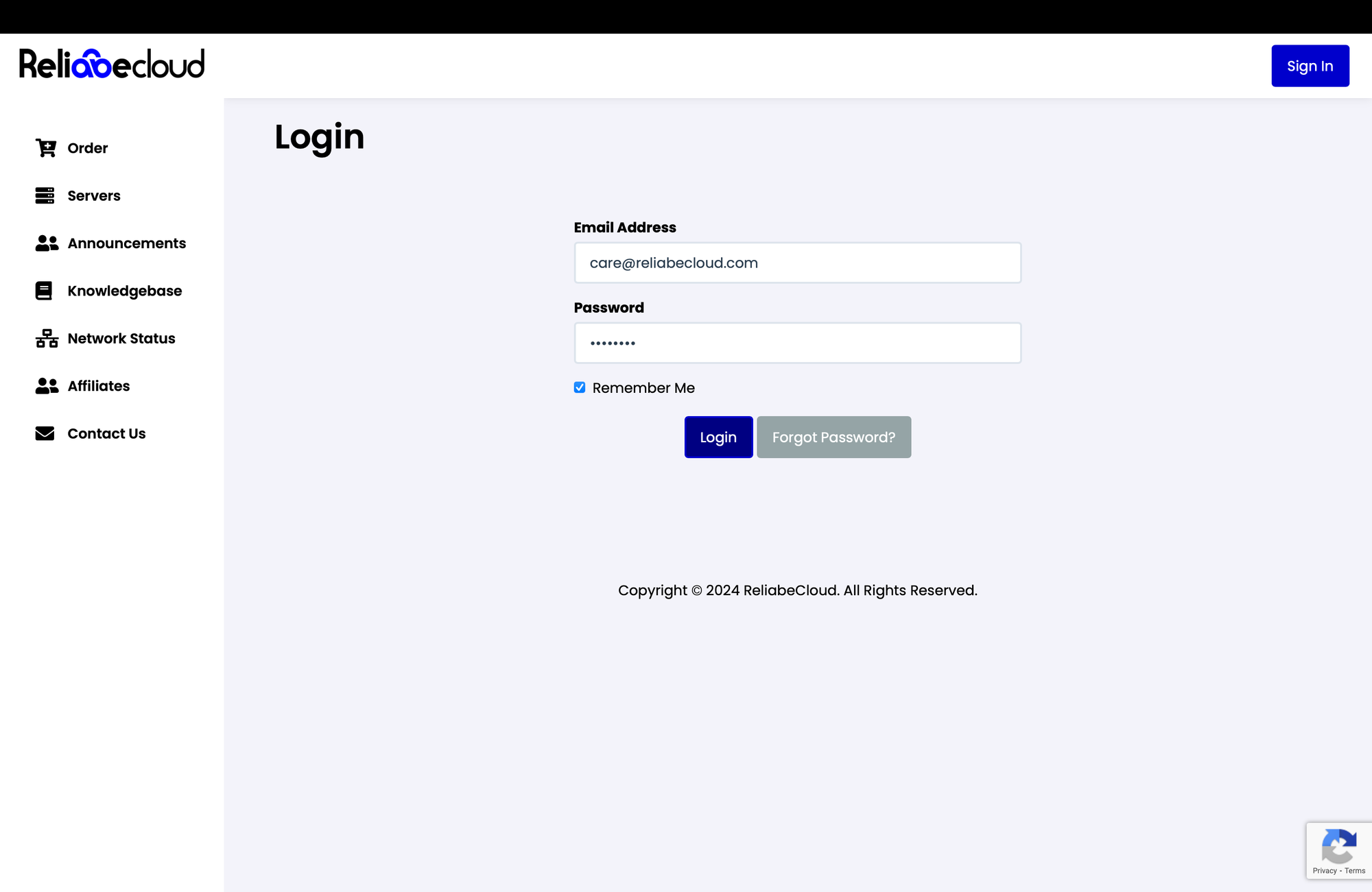
Input your Email address and password into the designated fields on the login page.
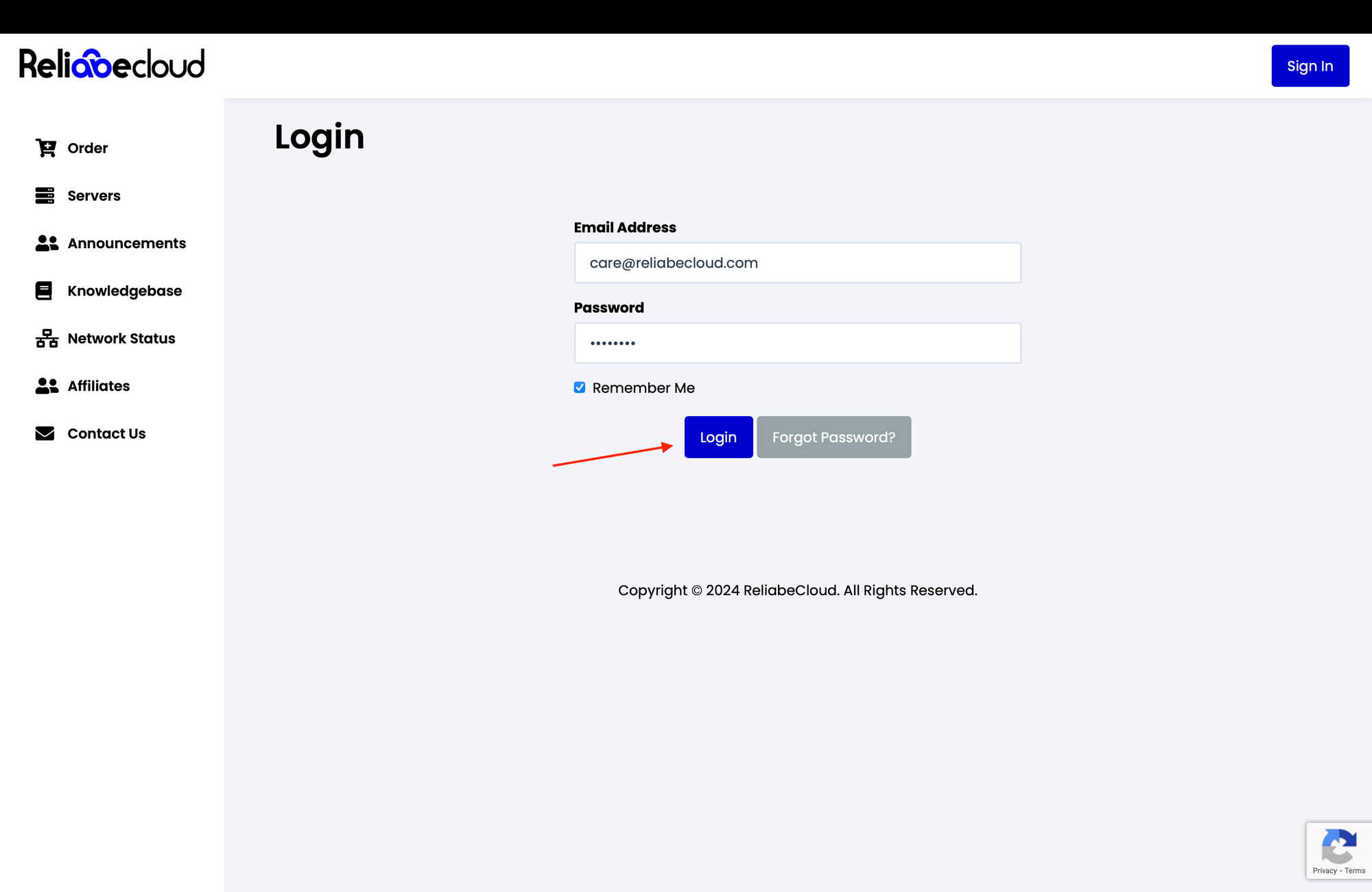
Press the "Login" button to access your ReliableCloud dashboard and manage your services.
